
MIDJOURNEY V8: BIG REBUILD CLAIMS. WAS I WOWED?
Here's the thing about MidJourney… it's my favourite creative image-maker. Not because it's the most precise. Not because it gives me the cleanest output. But because it's the place I go to find what I didn't know I was looking for.
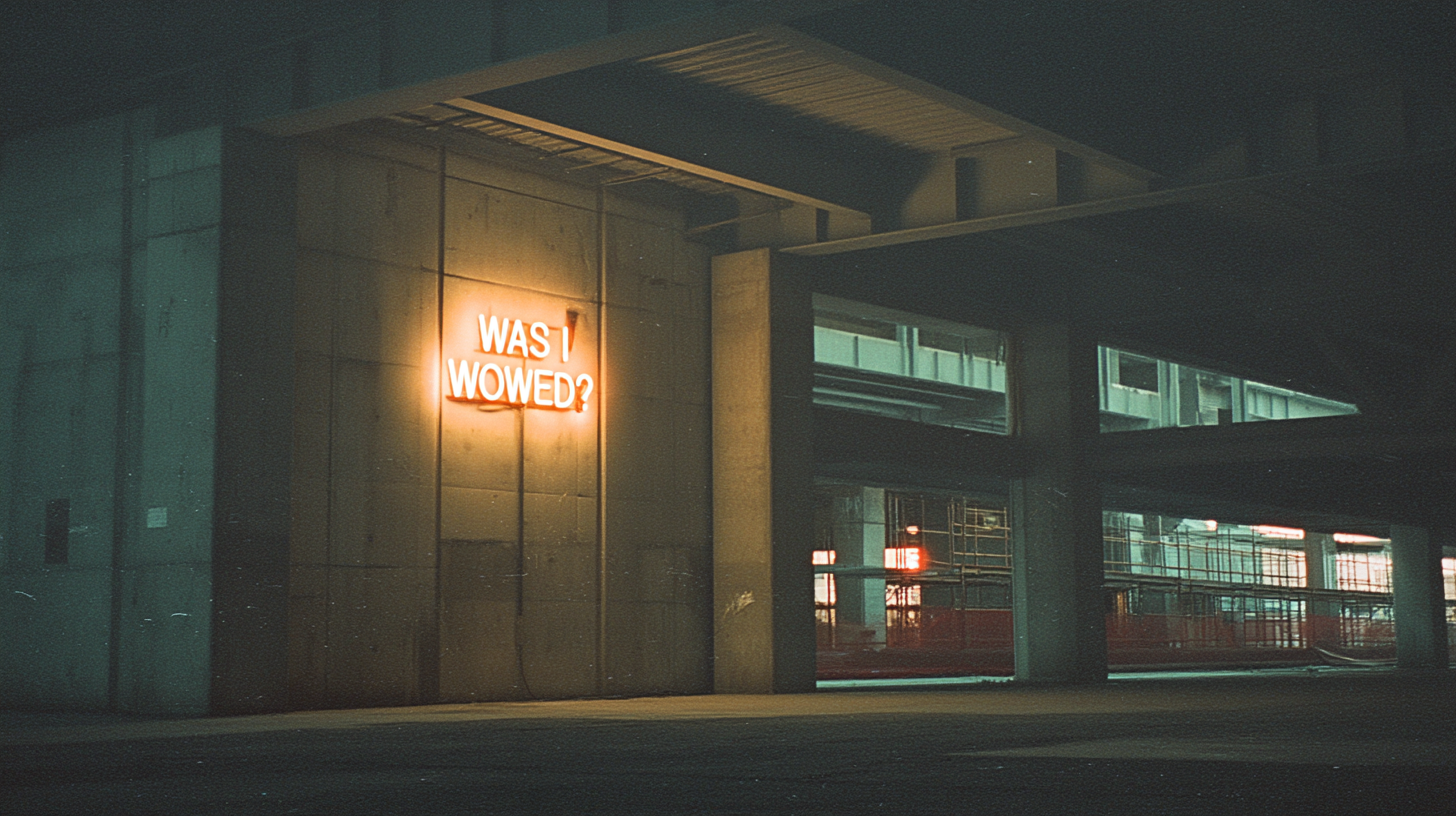
That beautiful randomness: the unexpected colour combination, the compositional choice you'd never have made yourself, the happy accident that cracks open an entire creative direction. That's where MidJourney lives for me. It's not a production tool. It's a discovery engine.
MidJourney V8 is a ground-up architectural rebuild that moved from TPUs to GPUs, delivering faster rendering and native 2K resolution, but at the cost of the creative unpredictability designers valued in V7.
So when the V8 Alpha dropped—billed as the most significant update since the platform launched— was genuinely curious. Not "hype-bro curious." Designer curious. The kind where you clear your evening, open a fresh Discord tab, and start throwing prompts at it to see what happens. I did that. And honestly?
I wasn't wowed.
What's actually new in MidJourney V8?
The Rebuild Nobody Asked About (But Everybody Needed to Hear About)
MidJourney V8 is not an incremental update — it's a complete rebuild on a new GPU-native codebase using PyTorch, replacing the previous TPU architecture. This is why prompts behave differently and why V7 workflows don't transfer directly.
Let's be fair to what that means, because underneath the hype, there's a genuinely ambitious engineering move happening. This isn't a weights update or a fine-tune on V7. It's a new system interpreting your instructions through entirely different architecture.
The MidJourney V8 features look great on paper. Native 2K resolution via --hd. Text rendering that actually produces legible type (finally). Rendering speeds four to five times faster. These are real improvements. And for certain workflows — product mockups, signage, anything needing readable text on-screen — the V8 Alpha is a clear step forward.
But here's where my eyebrow starts to rise.
Is MidJourney V8 better than V7 for Designers?
The Randomness Problem (Or: When "Better" Isn't Better)
For creative exploration and discovery, MidJourney V7 may still be the better tool. V8 has shifted from creative interpretation to literal prompt execution, reducing the happy accidents and unexpected compositions that many designers rely on during early-stage concepting.
V7 was an interpretive model. You could throw it a short, atmospheric prompt — something loose and vibes-driven — and it would fill in the gaps with its own creative interpretation. Sometimes that interpretation was wild. Sometimes it was magic. That unpredictability was the point.
V8 is a literal executor. It follows your instructions more precisely and waits for you to specify details rather than riffing on them. Which sounds like a feature — until you realise it fundamentally changes the creative dynamic.
For designers who use MidJourney the way I do — as the chaotic, generative starting point before moving into controlled tools — that shift toward precision is solving a problem I didn't have.
As David Carson put it: "Don't mistake legibility for communication." V8 is undeniably more legible. But is it saying more? Not yet.
How to use MidJourney V8 in a real design workflow
My Actual Stack (And Why It Matters Here)
The most effective way to use MidJourney V8 is as a creative discovery tool within a multi-tool workflow — using MidJourney for initial exploration and mood, then moving into precision tools like Weavy and Google's image generators for refinement and production-ready output.
I use MidJourney to get the vibe right. The tone. The atmosphere. The direction. Then I take that into tools built for precision — Figma's Weave for design-system-level control, Google's image generation tools like Nano Banana for targeted edits and refinements.
That's not a workaround. That's a workflow. And it's one I'd recommend to any designer building with AI, because it lets each tool do what it's actually best at.
MidJourney's superpower has always been creative chaos with taste. The moment it starts optimising for fidelity over feel, it risks becoming just another image generator in an increasingly crowded field.
The prompt is not the art. The art direction is the art.
What does MidJourney V8 do well?
The Genuine Wins Worth Knowing About
MidJourney V8 delivers four key improvements for designers: dramatically better text rendering, 4–5× faster generation speeds, native 2K resolution via --hd, and more stable output using --raw mode. Here's what each means in practice.
MidJourney V8 text rendering works. Put text in quotation marks in your prompt and V8 produces dramatically improved results. Not at Ideogram's level yet, but a massive leap — legible signage, clean product labels, readable typography. For brand designers mocking up environmental applications, this matters.
Speed changes the creative loop. Four to five times faster rendering means you can explore more ideas in less time. The old four-image grid approach is giving way to rapid low-resolution exploration with selective upscaling. Generate many. Browse fast. Upscale the winners. That workflow change alone has value.
Native 2K resolution is here. The MidJourney V8 --hd flag produces native 2048×2048 output without upscaling artifacts. Crisp, clean, no weird interpolation. But watch your GPU credits — --hd costs four times standard, and combining it with --q 4 costs sixteen times. That adds up.
MidJourney V8 --raw mode is your best friend. The default V8 aesthetic is currently over-polished and hyper-processed — a known alpha issue. Using --raw strips the model's built-in stylistic bias and gives you more stable, predictable output. For any controlled brand or photorealistic work, start with --raw and build from there.
What are MidJourney V8's known issues?
What Fell Flat in Testing
The MidJourney V8 Alpha has several known issues: an over-polished default aesthetic, age drift in subjects, reduced ability to render abstract or surreal compositions, and missing legacy features including image prompting and in-painting.
The default aesthetic has a visible "AI sheen" that the team has acknowledged and is actively working to fix. There's an age drift issue — subjects consistently render older than specified. Abstraction gets "corrected" into legibility, which is frustrating if you're deliberately seeking the surreal. And some features like image prompting and in-painting haven't been ported over yet.
None of these are dealbreakers for an alpha. But combined with the shift away from creative interpretation, the overall experience right now is: technically impressive, creatively underwhelming.
It feels like a technical upgrade, not a creative one. And for a tool I reach for specifically because of how it thinks creatively? That gap matters.
How should you prompt MidJourney V8?
The Prompting Shift You Need to Know About
In MidJourney V8, the creative centre of gravity has shifted from the prompt to the personalisation profile. Your V7 prompting habits will produce mediocre results — not because V8 is worse, but because it's listening differently.
MidJourney's own recommendation is to lean heavily into personalisation settings and push --stylize higher — up to 1000 in some cases. Your style references, moodboards, and personalisation codes from V7 all carry over, and they're more responsive than before.
Here are the MidJourney V8 settings and parameters that matter most:
For maximum control: --s 50 --style raw
For precision: be cinematographically specific — "single overhead key light with no fill, hard shadows" will outperform "dramatic lighting." Describe medium precisely — "35mm film photograph, grain, Kodak Portra 400 palette."
For negative prompting: use --no parameters strategically — --no blur, depth of field for flat graphics, --no smile, makeup for neutral portraits.
The --stylize 100–400 range is where most useful work happens now. Extreme values are less effective than they were in V7.
When is MidJourney V8.1 coming?
V8.1 Is Already on the Horizon — And It Targets the Right Problems
MidJourney V8.1 is expected in April 2026 and targets improved default aesthetics, better creativity and coherence, image prompts, and stronger style references. The current V8 Alpha will be deprecated approximately two weeks after V8.1 launches.
Here's the thing that gives me genuine optimism: V8.1 is targeting exactly the issues I'm flagging. The current V8 Alpha will actually be deprecated about two weeks after V8.1 launches, which is unusual for MidJourney — you can still use V5.2, V6, and V7. That signals the team views this alpha as a stepping stone, not a destination.
Beyond V8.1, the roadmap includes an editing model, a V2 video model, and 3D functionality with camera movement. The ambition is real.
So my honest take? V8 right now is a foundation, not a finished product. The engineering underneath is clearly more capable. But the creative experience — the reason I open MidJourney instead of any other tool — hasn't caught up to the architecture yet.
V8.1 might be the version that changes that. I'll be watching.
Should Designers switch to MidJourney V8 now?
What You Should Actually Do Right Now
MidJourney V8 is a foundation worth watching, not a finished product worth switching to — yet. Test it with --raw mode, keep your V7 workflows active, and wait for V8.1 before making any permanent changes to your creative process.
If you're already using MidJourney: test the V8 Alpha, especially with --raw. Your personalisation profiles are more powerful now. But don't throw away your V7 workflows — they still work, and for loose creative exploration, V7 might still feel better until 8.1 lands.
If you're new to MidJourney: this is actually a fascinating time to jump in, because the fundamentals of how you think about prompting — art direction, specificity, creative intent — matter more than ever. V8 rewards designers who know what they want.
And regardless of version, remember: no single tool does everything. The smartest creative AI workflows use each tool for what it's best at. MidJourney for discovery. Weavy for precision. Google's image tools for targeted refinement. Your taste and judgment for everything in between.
AI is your studio assistant, not your creative director. Know the difference.
If you want to build a real creative workflow around MidJourney — one that goes deeper than prompts and parameters — MidJourney for Designers & Creatives is where we get into the art direction, the iteration, and the taste that turns AI output into actual design work.
By Anthony Wood — Founder of House of gAi, former Global Managing Director at Shillington Education, and senior creative at Ogilvy and Havas. Teaching AI-integrated design workflows to graphic designers since 2023