
NODE-BASED AI TOOLS. WHAT THEY ARE AND WHY DESIGNERS ARE SWITCHING
Node-based AI tools let designers build a reusable visual workflow (generate → mask → edit → export) instead of treating each prompt as a one-off.
If your current AI process is basically “prompt → generate → regenerate → spiral → lose the good one forever,” you’re not alone. Most prompt-first tools are built for moments—single outputs, quick dopamine hits, and the occasional miracle. That’s fun… until you’re doing real brand work and you need consistency, control, and a way to iterate without burning your whole afternoon (and your nervous system).
That’s why a new category of tools is starting to feel inevitable: node-based AI canvases. They don’t treat AI like a vending machine. They treat it like a creative pipeline—something you can shape, refine, reuse, and hand off. In House of gAi terms: less guess-prompting, more repeatable taste.
And it’s also why we’re implementing Weavy (now Figma Weave) inside the House of gAi AI Branding Masterclass.
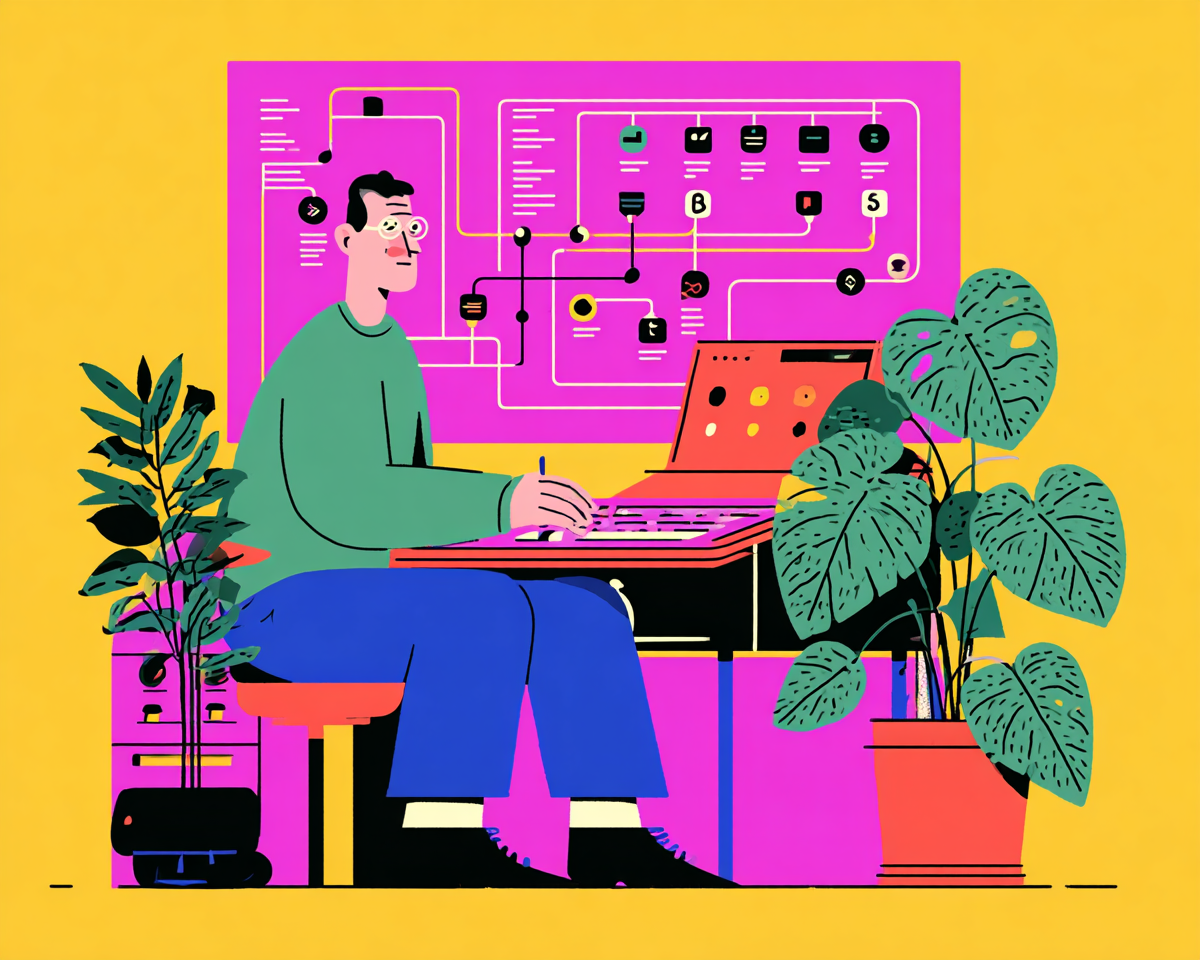
Illustration created in MidJourney by House of gAi
TLDR
A node-based AI system is basically a visual workflow you can see and reuse: instead of “one prompt = one image,” you connect steps (generate → mask → tweak → export) like building blocks, so your process is repeatable, editable, and way less chaotic.
What “node-based” actually means (without the nerd tax)
A “node” is just a step in a process: generate an image, mask an area, change the lighting, try a different model, adjust color, export variants. In a node-based tool, each of those steps becomes a visible block you connect into a chain—basically a map of how you got from idea to output.
If prompts are like texting a friend “make it vibey,” nodes are like building a recipe you can run again next week without having to remember every micro-decision. It’s closer to how designers already work: draft, branch, compare, refine, deliver.
“Think of it like After Effects: you’re not ‘prompting a final video’—you’re building a comp. Node-based AI tools work the same way: a chain of editable steps you can tweak, branch, and rerun without starting from scratch., you have non-destructive edits:
“adjustment layers / effect stack”
“versioning + branching”
Why this category is taking off now
The industry is converging on a simple truth: the first generation of AI tools made it easy to generate “something,” but not easy to shape it into “something great.” Even Figma framed it bluntly in its announcement of Figma Weave: you have to “push beyond the prompt.”
That line matters because it signals where pro creative tooling is heading. The “prompt is the final product” era is already getting tired. Node-based tools make the prompt the starting point—and the craft the differentiator.
On the Flora side, founder Weber Wong put words to what a lot of creatives have felt: “Silicon Valley does not understand the professional creative industry.”
Translation (lovingly): creatives don’t need more AI toys. We need power tools that respect process, iteration, and consistency.
The node-based creative landscape (what else to include besides Flora)
Here are the platforms worth including in your “new node-based stack” section, with the angle for each. I’m keeping this creative-focused (not automation/agent builders).
1) Weavy / Figma Weave — the pro workflow canvas for designers
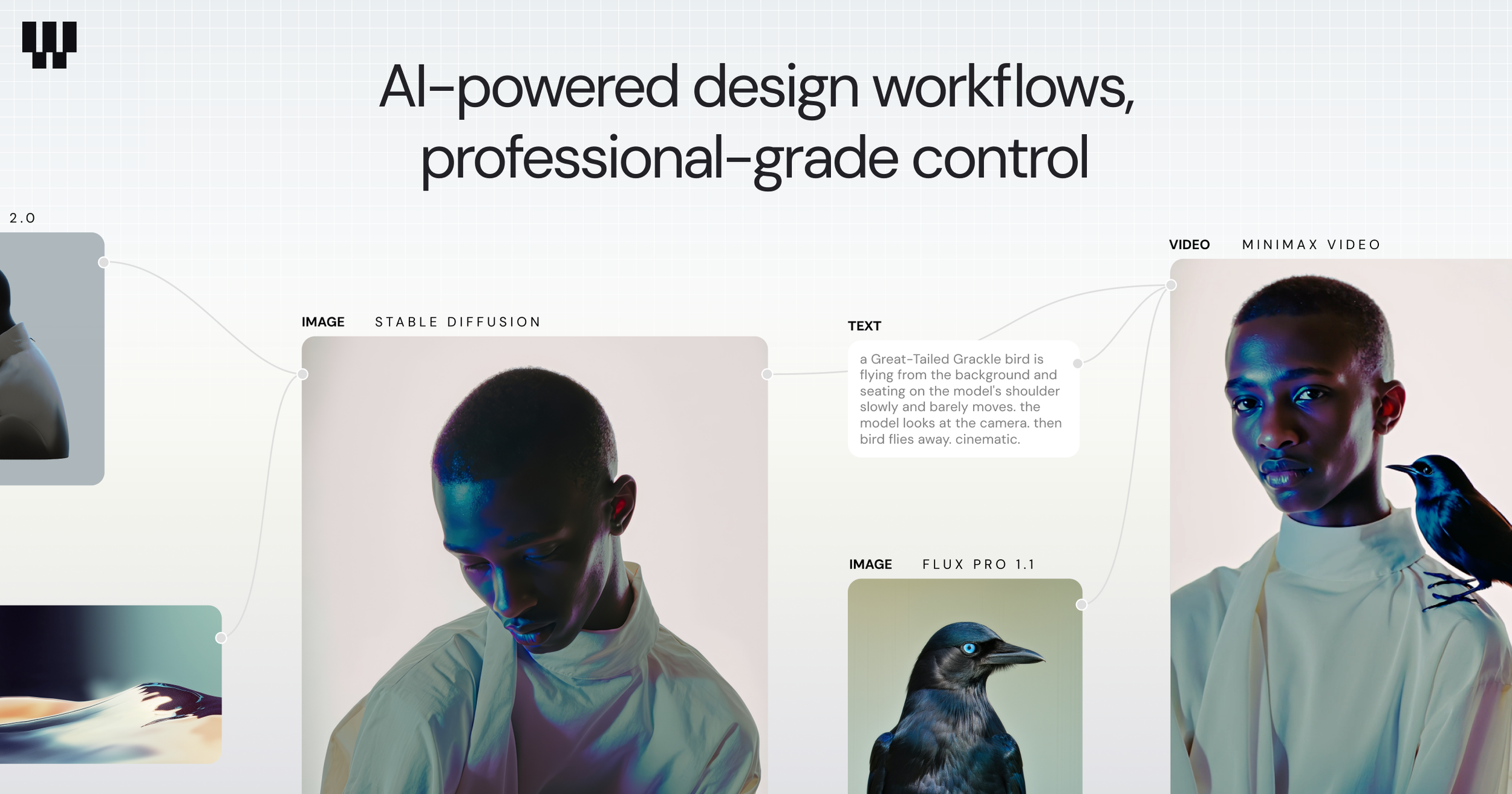
Weavy’s big idea is combining generative models + pro editing in a single node canvas, so you can branch, remix, and refine without bouncing between five apps.
The strategic reason we care: Figma acquired Weavy and is positioning Weave as part of an AI-native future for image/video/motion workflows within the broader Figma ecosystem.
2) FLORA — the “intelligent canvas” / creative direction lane
Flora leans into “visual thinking” and structured flows/templates, which can be great for teams trying to operationalize exploration rather than drowning in blank-canvas paralysis.
3) Krea Nodes — node workflows with a creator-friendly front end
Krea is pushing node-based workflows as a way to chain multiple models and controls on an infinite canvas. It’s often pitched as “advanced, but not punishing.”
(And yes, it’s also very good at making you feel like you’re conducting an orchestra of models rather than begging one model to behave.)
4) Freepik Spaces — node workflows packaged for teams
Freepik has been evolving from “stock library” into a creation suite; some industry roundups describe “Spaces” as a node-based canvas aimed at collaborative workflows and accessibility.
For brand designers, the relevant angle is speed + asset ecosystems—less “I’m building a custom pipeline,” more “I need a practical production flow.”
5) fal Workflows — the model library + visual workflow builder (more technical)
fal.ai is frequently referenced as a way to chain lots of models together via workflows. It’s powerful, but tends to feel more “builder” than “designer canvas,” depending on your tolerance for exposed parameters.
6) ComfyUI — the open-source, power-user node engine
ComfyUI is the OG node playground in this space: open-source, wildly extensible, insanely capable—also the fastest way to accidentally spend your Sunday debugging a node called something like KSampler (Advanced) while whispering “I could have just used Photoshop.”
7) InvokeAI — node workflows + a unified canvas for editing
InvokeAI combines an AI-first editing canvas with workflow concepts (including loading and sharing node graphs). It’s a strong mention if you want to include “serious, local-first creative tooling” without going full ComfyUI.
Why House of gAi chose Weavy
We chose Weavy (Figma Weave) because it’s the rare tool that can meet designers where they are and grow with them. You can start simple—generate, mask, tweak, export—and then progressively build more sophisticated workflows that behave like a mini production studio. That “start basic, level up over time” curve is exactly what you want in a Masterclass environment, because it doesn’t gatekeep the fun behind complexity.
The second reason is strategic: Figma buying Weavy is a signal that node-based AI creation isn’t going to stay a niche corner of the internet. Figma is already deeply embedded in design workflows; bringing Weave into that orbit suggests AI-native asset creation and editing will increasingly live alongside the tools designers already use.
And third: it’s fast. In our testing, Weavy got us from idea → usable brand-world assets quicker than other options in this lane, without requiring students to memorize a fragile prompt spellbook. When your process is a workflow you can revisit, iteration becomes calmer—and revisions stop feeling like you’re rebuilding the same sandcastle every day.
Node workflow FAQs
Q1. What is a node-based AI tool (in plain English)?
A. A node-based AI tool lets you build a visual workflow instead of relying on a single prompt. Each step (generate → mask → edit → upscale → export) becomes a “node” you can connect, tweak, and reuse—so your process is repeatable, not a one-time lucky hit.
Q2. How is this different from MidJourney or prompt-only tools?
A. Prompt-first tools are great for quick exploration, but they usually produce isolated outputs. Node-based tools are built for iteration and control: you can branch into multiple directions, adjust one step without redoing everything, and keep your whole process visible.
Q3. Why are node-based systems better for designers and creatives specifically?
A. Because branding and graphic design isn’t one image—it’s a family of consistent outputs. Node workflows make it easier to:
keep a coherent visual world across variations
rerun the same pipeline for new campaign assets
handle client feedback without starting from scratch
build repeatable rollout systems (not just pretty one-offs)
Q4. Is a node-based workflow basically like After Effects?
A. Yes—conceptually, it’s the closest “aha” for most designers. Think After Effects comp logic: you’re building a result through a chain of editable steps. Node-based AI tools work similarly—change one part of the workflow, and the outputs update, without nuking the whole project.
Q5. Do I need to be technical to use node-based AI tools?
A. Not necessarily. Some tools (like ComfyUI) can feel more “lab bench,” but designer-first platforms are increasingly built so you can start simple and gradually level up. You can get value immediately from basic workflows, then expand into more advanced branching and automation later.
Q6. Why did House of gAi choose Weavy (Figma Weave)?
A. We chose Weavy because it balances power + usability: you can start basic, but it grows into serious workflow building and compositing. It’s also fast, and it lets you try different models inside one subscription—so you can treat AI like a workflow, not a memory game. And Figma acquiring Weavy signals this type of tool is moving into mainstream design workflows.
Q7. Is Weavy the same as Figma Weave?
A. Weavy is the original product; after Figma acquired it, it’s being positioned and branded as Figma Weave as it integrates into the Figma ecosystem over time.
Q8. What other node-based creative tools should I know about?
A .If you’re exploring the landscape, the names that come up most are:
Flora (intelligent creative canvas / workflows)
Krea (Nodes) (creator-friendly node workflows)
ComfyUI (open-source, power-user node pipelines)
InvokeAI (canvas + workflow approach, often used in more controlled setups)
Q9. Is this just a trend, or the future of AI design workflows?
A. The direction is clear: the industry is shifting from “one prompt = one output” to “prompt = starting point.” Designers don’t just need images—they need systems they can reuse, iterate, and hand off. Node-based tools are built for that reality.
Q10. How does this show up in the AI Branding Masterclass?
A. We teach node-based workflows in a brand context—so you learn how to create consistent visual directions, iterate without chaos, and build repeatable pipelines for rollout assets. If you want AI to actually work like a professional creative tool, that’s where it clicks.